
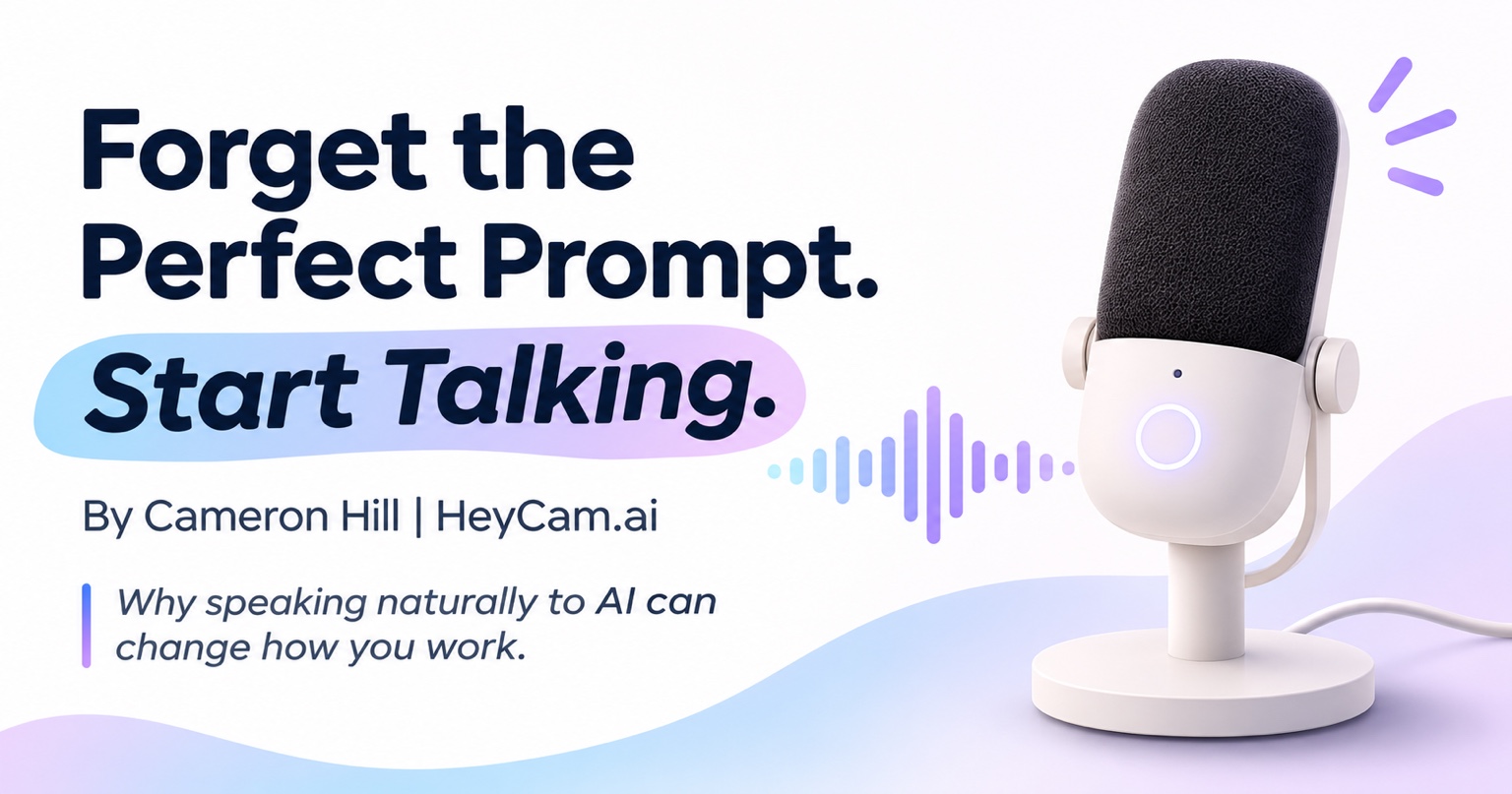
One of the most valuable things I’ve learned from using artificial intelligence has nothing to do with complicated prompts, expensive software, or knowing the right technical terms.
It’s something much simpler.
Just talk to it like you would another person.
Seriously. That’s it.
I spend a lot of time working with AI, especially ChatGPT, and learning to speak naturally instead of typing everything has made an incredible difference in how productive I am.
And there’s something I wish more people understood.
You don’t have to speak perfectly. You don’t even have to know exactly what you want to say before you start talking.
That’s part of what makes this technology so useful.
Stop trying to say everything perfectly
I think one of the biggest misconceptions about AI is that you need to communicate with it in some special way to get good results.
People worry about writing the perfect prompt, choosing the right words, or structuring their questions correctly.
But here’s what I’ve discovered through my own experience.
Sometimes the best thing you can do is stop worrying about all of that and just explain what’s on your mind.
You can stumble over your words.
You can pause to think.
You can start explaining something and realize halfway through that you want to approach it differently.
You don’t have to restart. Just keep talking.
For example, I might say something like:
“Hey, I need some help putting together an idea for my business. I’m thinking about offering… well, actually, let me explain what I’m trying to accomplish first. I’ve been working on something, and I’m not sure if I’m approaching it the right way. Here’s what I’m thinking…”
That’s a perfectly reasonable way to start a conversation with AI.
You don’t need to organize every thought before saying it.
In fact, I’ve found that sometimes I figure out what I’m really trying to accomplish while I’m explaining it.
And that changes everything.
Are we limiting our ideas by typing them?
Think about how you communicate when you’re having a conversation with someone.
You naturally provide context. You explain details, tell stories, bring up examples, and sometimes wander into something you hadn’t originally planned to discuss.
That’s how our minds work.
But when we’re typing, we often shorten our thoughts.
We leave out details because we don’t feel like writing another paragraph. We simplify complicated situations. We try to squeeze everything into a few sentences.
I’ve caught myself doing exactly that.
When I started using my voice more frequently, I realized how much information I was leaving out by typing.
And that additional context matters.
The more clearly AI understands your situation, your goals, and what you’re trying to accomplish, the better positioned it is to help you.
It’s not that speaking automatically makes AI smarter. It’s that speaking can make it easier to share the information that helps AI give you a useful response.
The biggest productivity improvement I’ve experienced
I regularly use ChatGPT to develop ideas, solve problems, improve processes, create content, and work through projects.
Some of those conversations have a lot of moving parts.
If I had to sit down and type out every detail, I’d spend a lot more time just explaining what I needed.
Instead, I can turn on my microphone and talk through the situation.
Sometimes I change direction halfway through. Sometimes I remember something important that I forgot to mention.
And that’s fine.
I can even say:
“Actually, forget that last part. Here’s what I really meant.”
Or:
“Hold on, there’s something else I should explain before you answer.”
That freedom to have a natural conversation has become one of the most valuable parts of using AI for me.
I don’t feel like I’m filling out a form or trying to write a perfectly structured instruction.
I’m working through an idea.
And the amount of time that’s saved me has been significant.
A simple microphone made a big difference
One of the tools I use at work is a Mac mini, which doesn’t have a built-in microphone.
I use an Elgato Wave Neo, an external USB microphone that allows me to speak directly to AI from my computer.
It has become an important part of my everyday workflow.
But here’s the thing: I’m not suggesting everyone needs to buy the same microphone.
If your computer already has a microphone, use it.
If it doesn’t, consider getting a compatible USB microphone or headset.
You don’t need professional recording equipment. You just need a comfortable way to communicate using your voice.
It’s a relatively simple change that can open up a completely different way of working with AI.
Your iPhone is another great place to start
I also use voice features on my iPhone regularly.
Sometimes I use dictation to turn what I’m saying into text. Other times I use ChatGPT’s voice conversation feature to talk back and forth.
Both have been incredibly valuable.
I can explain an idea naturally instead of spending time carefully writing everything out.
And when I’m talking to AI, I don’t worry about sounding perfect.
I just talk.
That’s what I’d encourage other people to try.
Here’s my challenge to you
If you’re someone who uses AI but still types everything, I want you to try something.
The next time you open ChatGPT, turn on your microphone.
Pick something you’re working on, something you’ve been thinking about, or a problem you’re trying to solve.
And just start talking.
Don’t write out a script first.
Don’t worry about the perfect opening sentence.
If you stumble over a few words, keep going.
If you forget what you were saying, take a second and pick up where you left off.
If you realize you need to explain something differently, go ahead and change direction.
You can even tell ChatGPT:
“I’m just going to talk through my thoughts for a minute. I might jump around a little, but I’d like you to help me organize everything and figure out the best way forward.”
Then see what happens.
One helpful tip: if you’re using speech-to-text dictation, quickly review the transcript before sending it. Speech recognition can occasionally misunderstand words, names, or numbers.
And remember, AI can still misunderstand your intent or make mistakes, so review important answers.
But don’t let the pressure of saying everything perfectly prevent you from getting started.
You don’t need to speak AI’s language
If there’s one thing I want people to take away from this article, it’s this:
You don’t need to become better at sounding like a computer to get more out of AI.
You can simply be yourself.
You can explain things the way you naturally explain them.
You can ask follow-up questions, correct yourself, and work through ideas as they come to you.
Of course, there are situations where typing makes more sense. I still use it regularly, especially when precision matters or when I need to review something carefully.
But making voice a bigger part of my workflow has been one of the best productivity decisions I’ve made.
And I genuinely believe more people would discover how useful AI can be if they gave themselves permission to stop overthinking how they communicate with it.
Forget the perfect prompt. Start having a conversation.
You might be surprised by what you accomplish.
About HeyCam.ai
HeyCam.ai helps individuals and businesses become more comfortable and productive with artificial intelligence through practical, beginner-friendly training.
I believe AI should make everyday work easier, not more complicated.
My goal is to help people discover how to use these tools naturally, confidently, and in ways that make a real difference in their work.
If you’d like help learning this with your team, you’re welcome to reach out.